Zapier Brand Overview
Zapier is a cloud‑based automation platform that enables individuals and businesses to connect different apps and automate workflows without needing to write code. It allows users to create “Zaps,” which are automated sequences that trigger actions in one app based on events in another — helping people save time, eliminate repetitive tasks, and streamline processes across productivity, communication, CRM, marketing, and many other tools.
Zapier’s user‑friendly automation system appeals to both non‑technical users and professionals, enabling organisations of all sizes to improve collaboration, reduce manual work, and focus more on meaningful projects.
Logo History
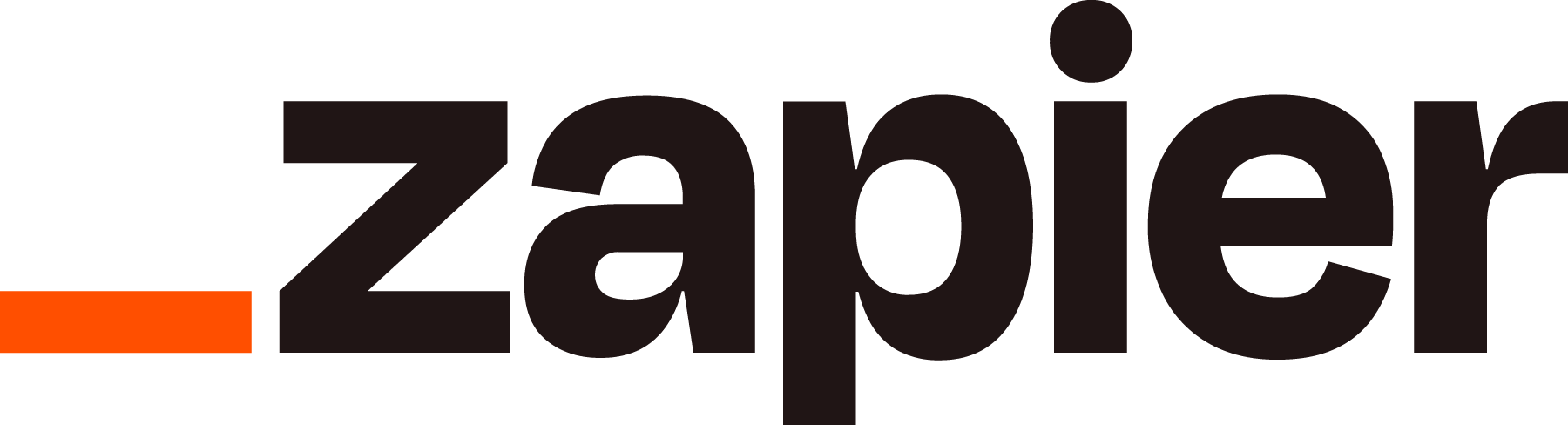
The Zapier logo reflects the company’s modern, tech‑driven identity. Since Zapier’s early days, the logo has centred on a simple yet bold design that emphasises clarity and digital readability.
Over time, the logo has been refined to ensure it works well across mobile apps, web interfaces, marketing materials, and brand placements — keeping a consistent visual presence that users recognise instantly.
Design Meaning
The Zapier logo is crafted to represent key aspects of the brand:
- Automation & Flow: The geometric shape and balanced letterforms suggest connected movement and seamless processes.
- Simplicity: Clean and straightforward typography reflects the platform’s ease of use and intuitive design.
- Tech Innovation: The minimal yet bold styling aligns with contemporary tech branding, signalling efficiency and reliability.
These elements work together to visually reinforce Zapier’s position as a tool that simplifies complex digital workflows.
Color Philosophy
Zapier’s visual identity typically includes bright accent colours paired with neutral tones:
- Accent Colours: Energetic hues convey creativity, activity, and a forward‑thinking attitude, ideal for a tech automation brand.
- Neutral Tones: Dark greys or blacks are used to balance clarity and legibility in text, icons, and interface elements.
Together, these colours create a modern, approachable look that remains clear in both digital and print contexts.
Usage Guide
To use the Zapier logo correctly:
Logo Placement
- Maintain sufficient clear space around the logo so it stays distinct from other visual elements.
- Don’t put the logo on overly busy or crowded backgrounds that reduce readability.
Size & Scaling
- Resize the logo proportionally — do not stretch, skew, or distort its shape.
- Use vector formats for large print applications to preserve crispness and detail.
Colours
- Stick to the approved colour palette and avoid unauthorized recolours, gradients, or effects.
- Ensure strong contrast between the logo and its background for maximum impact.
Restricted Uses
- Do not alter the logo’s typography, geometry, or proportions.
- Do not combine the logo with other symbols or graphic elements without permission.
FAQs
1. What is Zapier?
Zapier is a cloud‑based automation platform that lets users connect apps and build automated workflows, helping to reduce manual tasks and increase productivity.
2. What does the Zapier logo represent?
The logo represents connectivity, automation, and modern tech design — a visual reflection of Zapier’s role in linking tools and simplifying digital work.
3. Can I use the Zapier logo for my project?
Official use of the Zapier logo usually requires approval from the company’s brand or communications team, especially for commercial or public applications. Unapproved use may violate trademark guidelines.
4. Are modifications allowed?
No — the logo should remain in its original form with no changes to structure, colour, or typography.
5. Which formats should I use?
Use high‑resolution PNG for digital projects and vector formats (like SVG) for print or large‑scale displays to ensure quality and clarity.